10 Million Pixels System Requirements
Steam minimum specs, Steam Deck notes, and swarm-performance tips.
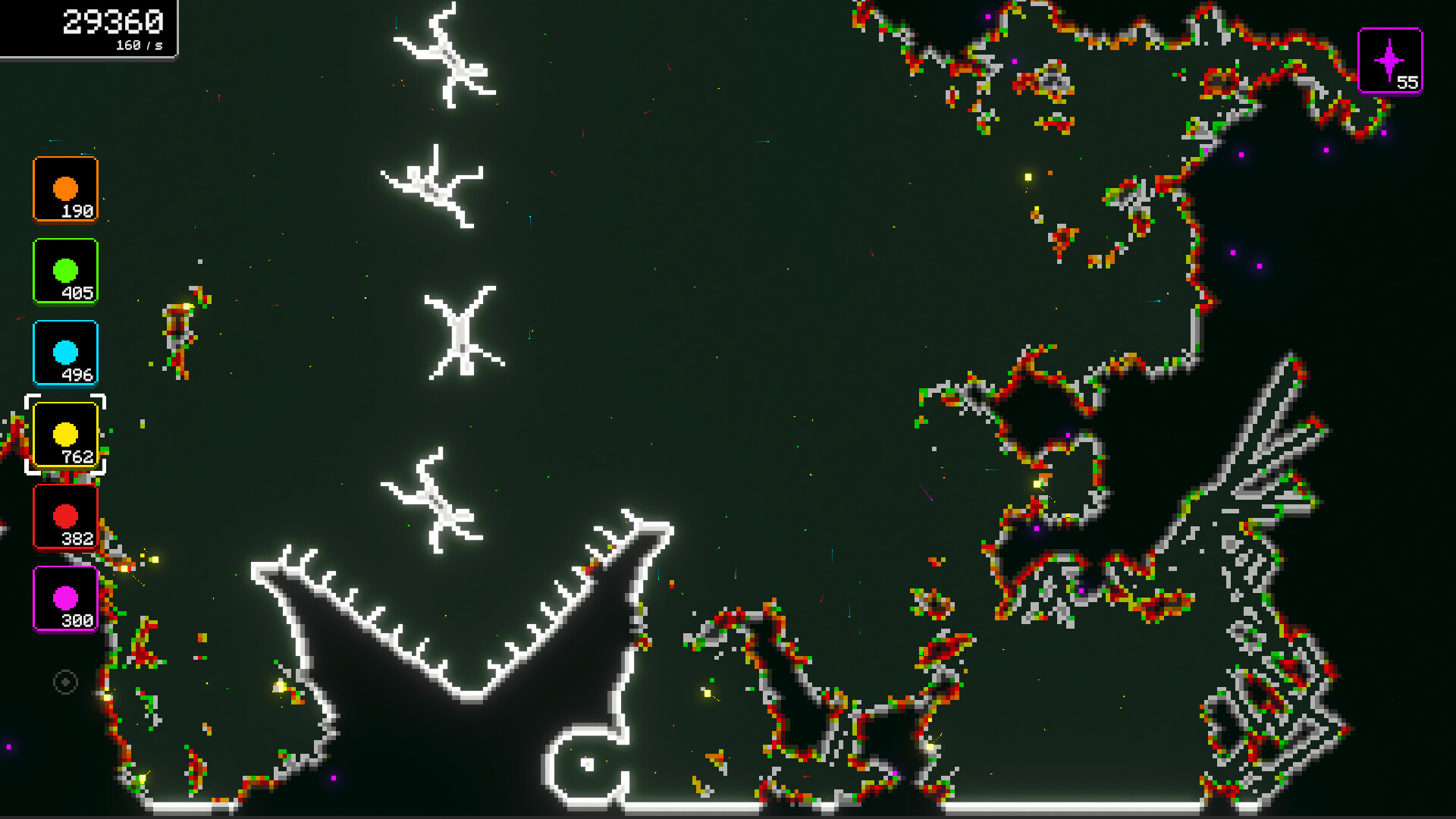
This page mirrors the Steam minimum system requirements for 10 Million Pixels (app 4738100) and explains what they mean when thousands of balls bounce at once. Use it before installing the free demo (5358150) or buying the full game on November 27, 2026. Parent index: Tools Hub. Launch timing: release date.
The game is single-player, Windows-focused, with no Mac listing and single-player only. Steam Deck compatibility is marked Playable. Specs below come from the public Steam store block; if BATTLE LAB updates them, trust Steam first, then recheck this page.
Minimum requirements (Steam)
| Component | Minimum |
|---|---|
| OS | Windows 10 (64-bit) |
| Processor | Intel Core i5 or AMD equivalent |
| Memory | 8 GB RAM |
| Graphics | NVIDIA GeForce GTX 750 Ti / AMD Radeon R7 260X / Intel UHD 630 |
| DirectX | Version 11 |
| Storage | 4 GB available space |
| Sound | DirectX compatible sound card |
| Other | 64-bit processor and operating system required |
Recommended requirements
Steam currently lists recommended as requiring a 64-bit processor and operating system without a separate higher GPU/CPU table. In practice, if you plan to run dense late-game swarms for long sessions, prefer a discrete GPU above the minimum and 16 GB RAM so Windows plus browser overlays leave headroom.
Platform matrix
| Platform | Status |
|---|---|
| Windows 10/11 (Steam) | Supported target |
| Steam Deck | Playable |
| macOS | Not listed / not supported on store requirements |
| Consoles | Not announced with the Nov 27, 2026 PC date |
| Multiplayer / multiplayer | None |
What the minimum GPU class means
The GTX 750 Ti / R7 260X / UHD 630 tier is an entry discrete / stronger iGPU band. 10 Million Pixels markets stable 60+ FPS with thousands of balls, but that claim assumes you meet minimums and are not saturating the machine with heavy overlays. Integrated UHD 630 machines should:
- Close Chrome multi-tab sessions while playing.
- Keep the demo’s ball count reasonable until you confirm frame pacing.
- Lower desktop resolution scaling if the OS is forcing 150–200% on a 1080p panel.
Discrete cards at or above 750 Ti / R7 260X should handle demo swarms comfortably; full-game ten-million-pixel canvases may still stress weaker iGPUs when the screen is packed.
CPU and RAM notes
An Intel Core i5 or AMD equivalent baseline covers modern physics and UI threads for this genre. Pair it with 8 GB RAM minimum. If you stream or keep Discord + a browser open, 16 GB is the comfortable floor so the OS does not page while ball counts spike.
Storage and install size
Reserve at least 4 GB free. SSDs reduce stutter when the procedural mine streams new regions, but a healthy HDD meeting the size requirement can still run the demo. Leave extra free space for Steam shader cache and Windows updates around launch week.
DirectX 11
The game requires DirectX 11. On Windows 10/11 this is standard; if an older feature-limited install fails to launch, run Windows Update and verify the DirectX runtime before assuming a GPU problem.
Steam Deck guidance
Valve lists the title as Playable on Steam Deck. Practical tips:
- Install the demo first and test both 40 Hz and 60 Hz modes.
- Use the official controls; the loop is cursor/aim plus launch — confirm trackpad or gyro comfort yourself.
- Watch thermals during long Poison idle sessions with large swarms.
- Keep the Deck plugged in for marathon Golden Pixel hunts.
Deck users still benefit from the same strategy pages as desktop players: Getting Started, tier list, and ball abilities.
Performance tips for swarm scenes
- Update GPU drivers the week of November 27, 2026.
- Cap background apps — browsers crush low-end iGPUs.
- Avoid forced high resolution scaling if frames dip.
- Learn efficient balls — Lightning and Poison clear faster than pure orange spam, which can reduce how long you need maximal projectile counts. See the Tier List Hub.
- Reboot before launch-night installs to clear update reboots mid-download.
Demo as a hardware benchmark
The free demo is the best fit test:
- If the demo holds near 60 FPS with busy swarms, you are ready for launch day.
- If frames tank on UHD 630, reduce overlay load and retest before buying.
- Use the demo walkthrough so you stress physics in mid/late demo states, not only the first minute.
Troubleshooting quick table
| Symptom | Try this |
|---|---|
| Won’t launch | Verify DirectX 11, 64-bit Windows 10+, GPU drivers |
| Low FPS with many balls | Close overlays, check you meet GPU minimum, lower scaling |
| Stutter on load | Install on SSD if possible; free >4 GB |
| Deck heat / fan | Lower TDP or refresh rate; test demo first |
| Confused about date | Release date — Nov 27, 2026 |
Related wiki links
- Tools Hub — parent index and Steam IDs.
- Updates Hub — announcement → demo → 100k wishlists → launch.
- Balls Hub — roster overview.
- Find the Golden Pixel — win condition guide.
Meeting specs gets you into the mine; smart ball upgrades get you to the Golden Pixel. Verify hardware here, then spend your practice time on strategy pages — not on fighting an underpowered setup.
Frequently Asked Questions
Quick answers to the most common questions.
What are the minimum specs for 10 Million Pixels?
Windows 10 64-bit, Intel Core i5 or AMD equivalent, 8 GB RAM, GTX 750 Ti / R7 260X / Intel UHD 630, DirectX 11, and 4 GB storage.
Can I play on Steam Deck?
Yes. Steam lists the game as Playable. Test the free demo on your Deck before launch day.
Is there a Mac version?
No Mac build is listed on the Steam system requirements. The target platform is Windows.
How much disk space do I need?
At least 4 GB available space, plus room for Steam caches and Windows updates.
Where is the Tools Hub?
Parent page: Tools Hub. It also lists Steam app IDs for the full game and demo.